FEATURED DEMO
01 / INTERACTIVE LEARNING
Interactive Classroom Experience
See how students interact with digital lessons, visual content and smart classroom tools.
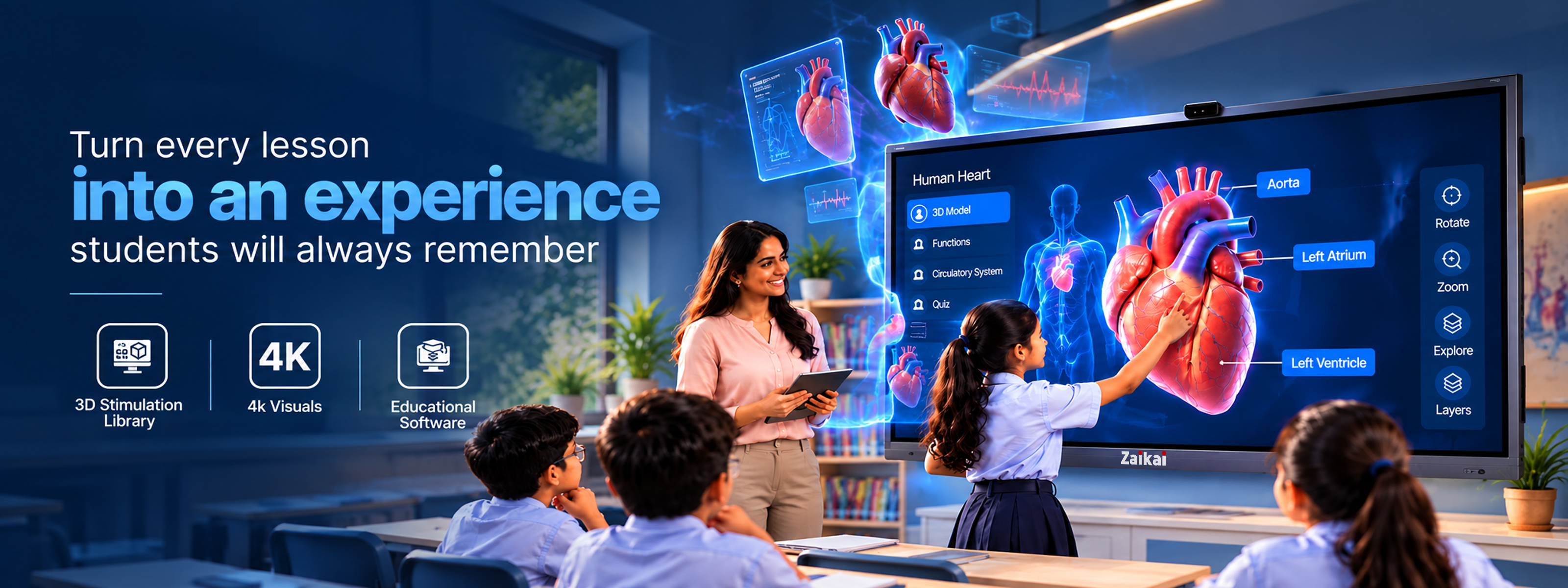
Turn every lesson into an interactive experience with AI-powered smart learning technology.
Get instant answers with AI
Explore concepts in 3D models
Animated videos and simulations
Quizzes, games and challenges
Discover planets, stars and space through interactive 3D models.

Visual learning improves retention
Makes learning fun and interesting
Write, draw and explore ideas
Learn and work together in class
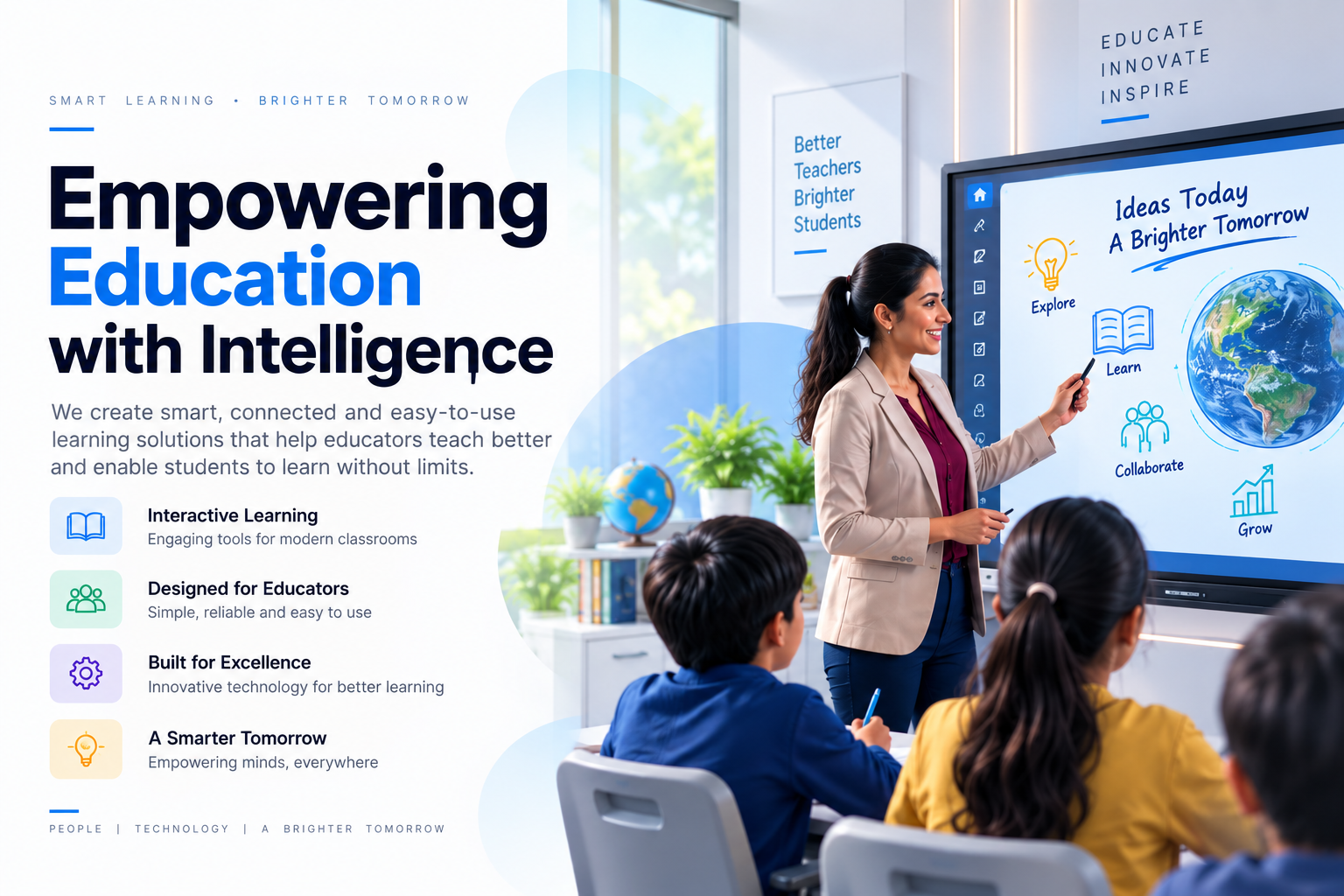
We are dedicated to transforming modern classrooms through intelligent, interactive, and innovative technology. Our platform brings together AI-powered tools, interactive whiteboarding, rich educational content, 2D and 3D learning resources, cloud connectivity, and smart classroom management into one seamless experience. Our goal is to make teaching easier, learning more engaging, and classrooms smarter.
To empower educators and institutions with innovative, easy-to-use technology that makes teaching more interactive, simplifies the learning process, and helps create meaningful educational experiences.
To create a future where intelligent and interactive technology is an essential part of every modern classroom, empowering teachers to inspire, engage, and unlock new possibilities for learners.
Powerful digital solutions designed to make teaching interactive, creative and fun.
Create, explain and collaborate with intelligent AI-powered classroom tools.
Explore SolutionTransform traditional classrooms into engaging digital learning environments.
Explore SolutionMake lessons visual, touch-friendly and more engaging for every student.
Explore SolutionBring videos, activities and modern learning resources together in one place.
Explore SolutionKeep teaching, participation and classroom activities organized and connected.
Explore SolutionSmart technology that helps teachers teach better and students learn better.
Explore SolutionExplore interactive lessons, smart classroom experiences and engaging learning sessions through our demo videos.
See how students interact with digital lessons, visual content and smart classroom tools.
A closer look at technology-driven teaching and engaging classroom activities.
Discover how AI tools can make learning more visual, interactive and personalised.
Watch students learn through quizzes, activities, visual demonstrations and challenges.
We bring smart technology, creativity and simple digital experiences together to help teachers teach better and students learn with greater interest.
Easy-to-use technology with powerful tools designed for modern classrooms.
Encourage students to participate, collaborate and become part of every lesson.
Modern learning solutions built to keep classrooms ready for the future.
Stay updated with our latest events, product launches and technology announcements.
If you're already calling your custom success() function, don't show another Swal.fire(). Otherwise you'll get two success popups.
hello
Explore technology trends, IT best practices, cybersecurity insights, and smart business solutions.
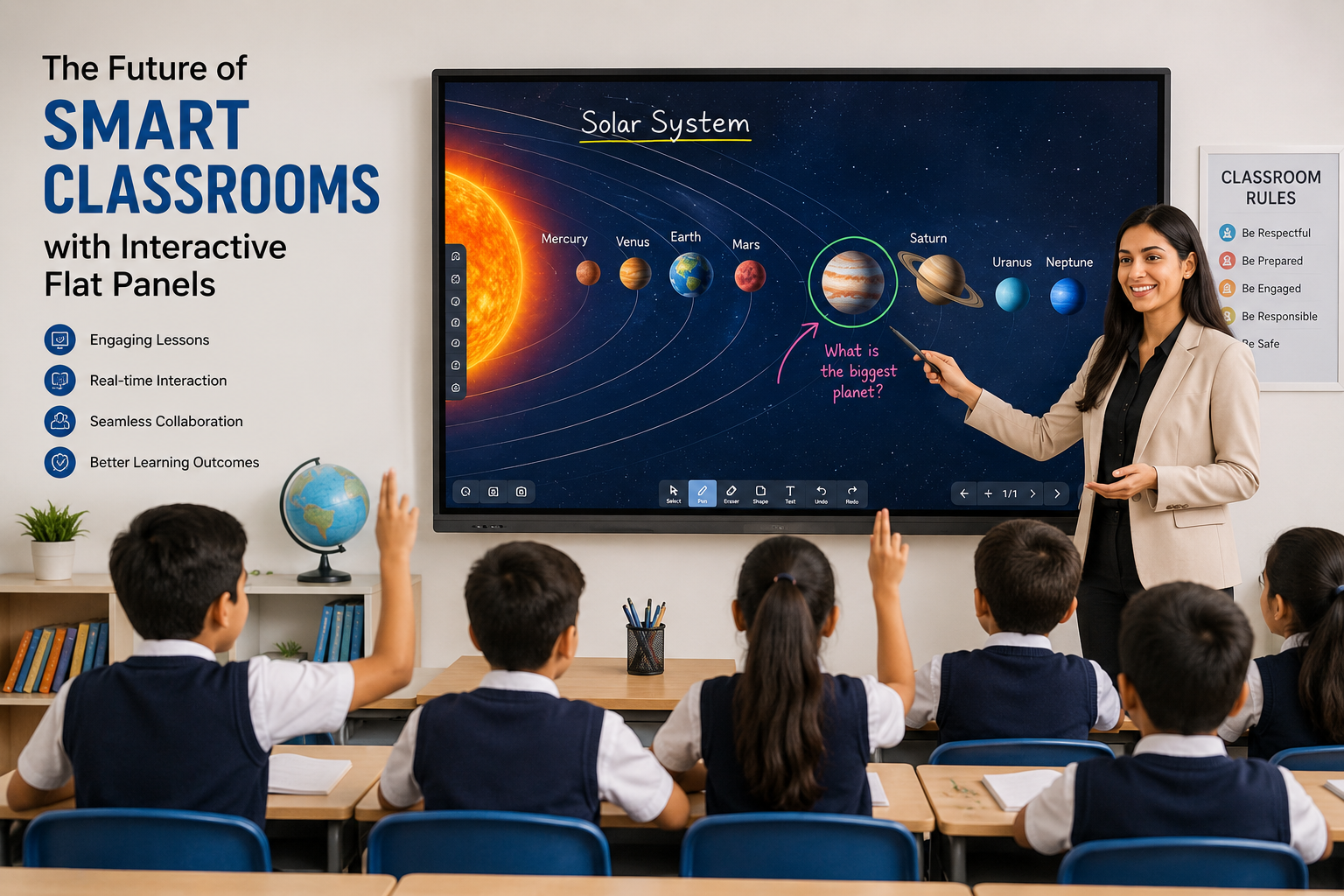
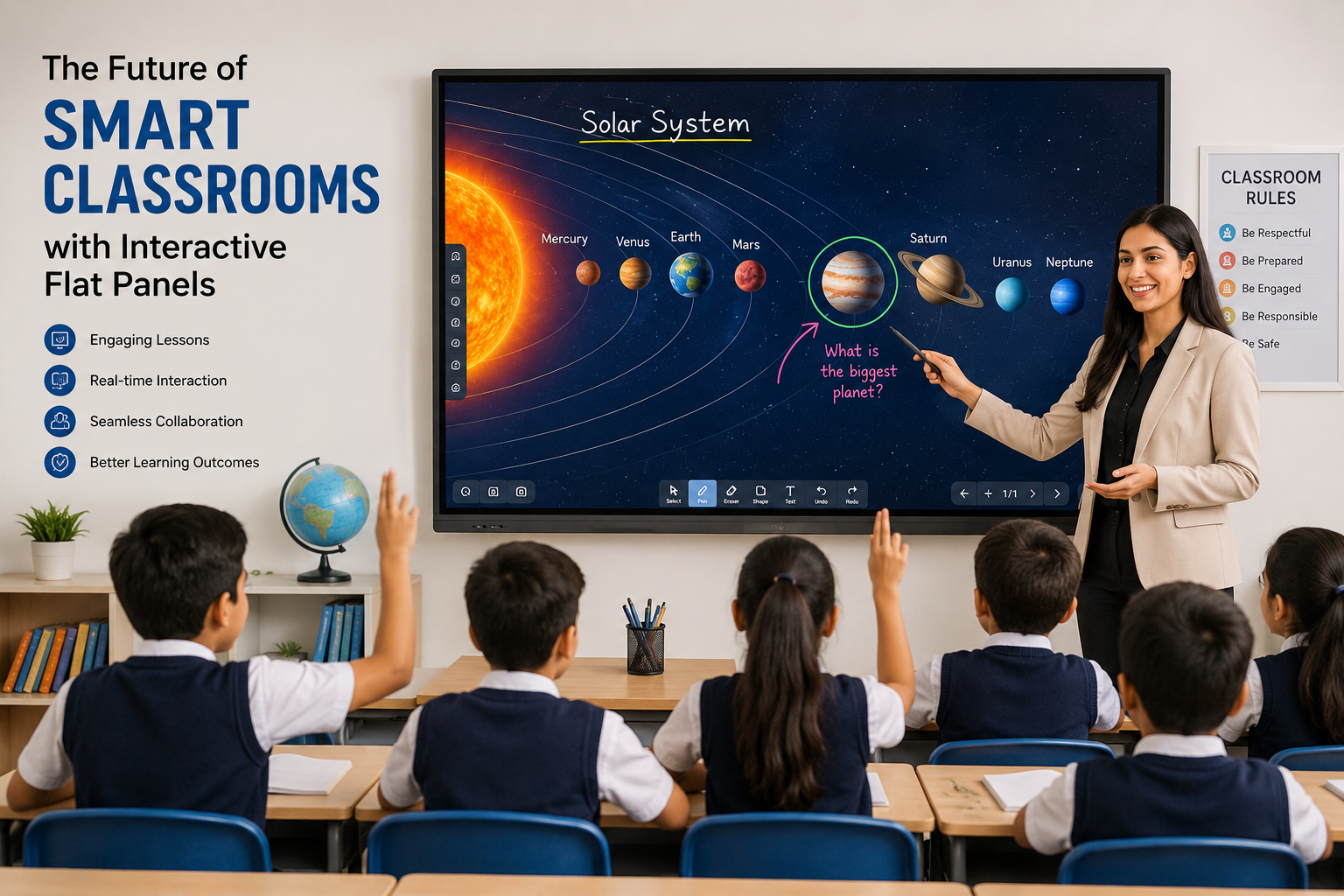
Discover how interactive flat panels are transforming traditional classrooms into engaging, collaborative, and technolog...