
Explore step-by-step video tutorials and learn how to make the most of our products, features and solutions.
Why this looks much better ✅ No boring tables. ✅ Thumbnail in its own card. ✅ Large responsive video player. ✅ YouTube/Vimeo embedded directly instead of just a button. ✅ Information displayed as clean cards with labels. ✅ Modern badges with icons. ✅ Better spacing and typography. ✅ Looks similar to premium admin templates like Sneat, Vuexy, and Materio. I'd recommend embedding the YouTube/Vimeo video directly rather than showing a "Watch on YouTube" button, since users can preview the tutorial without leaving the admin panel.
Watch Video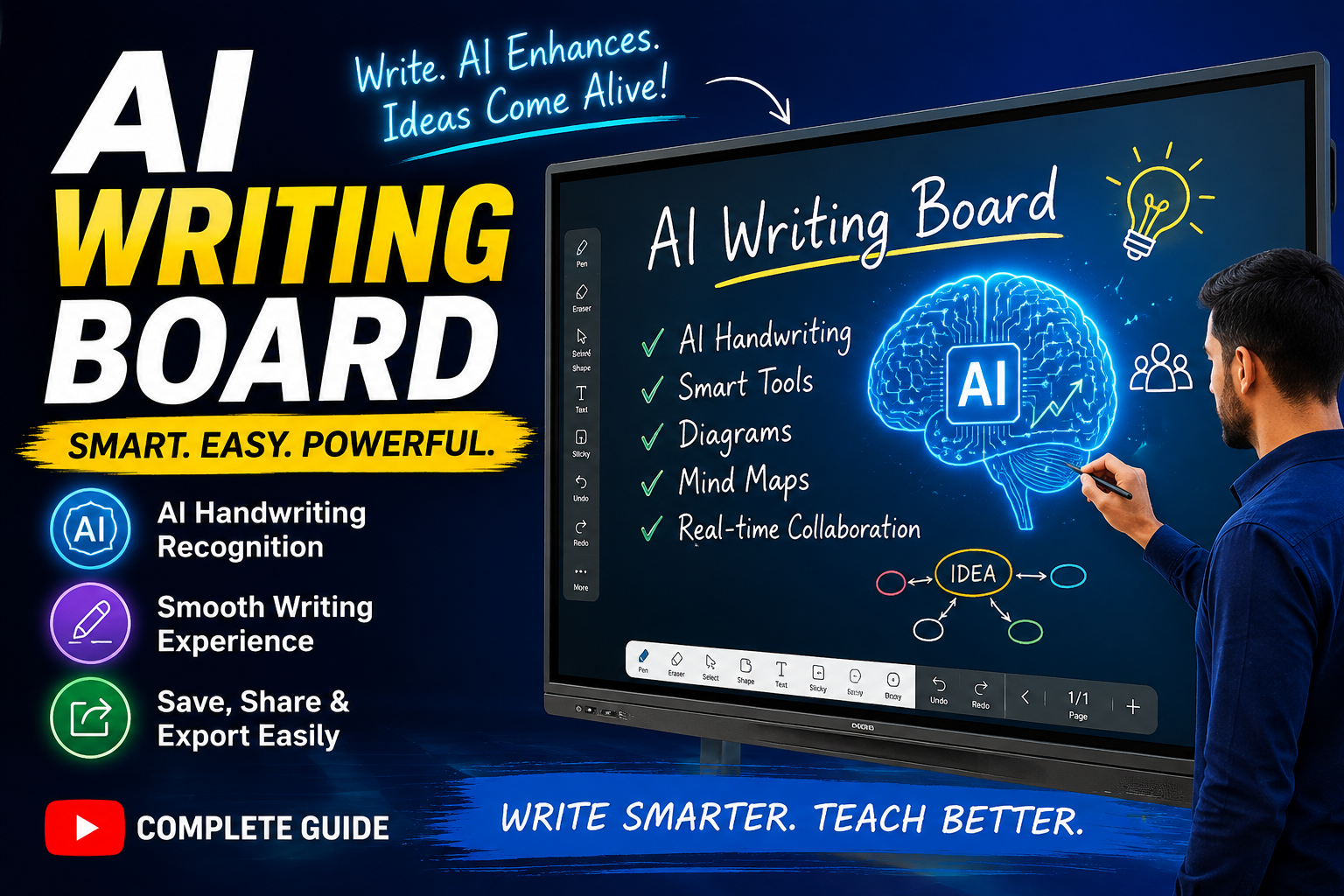
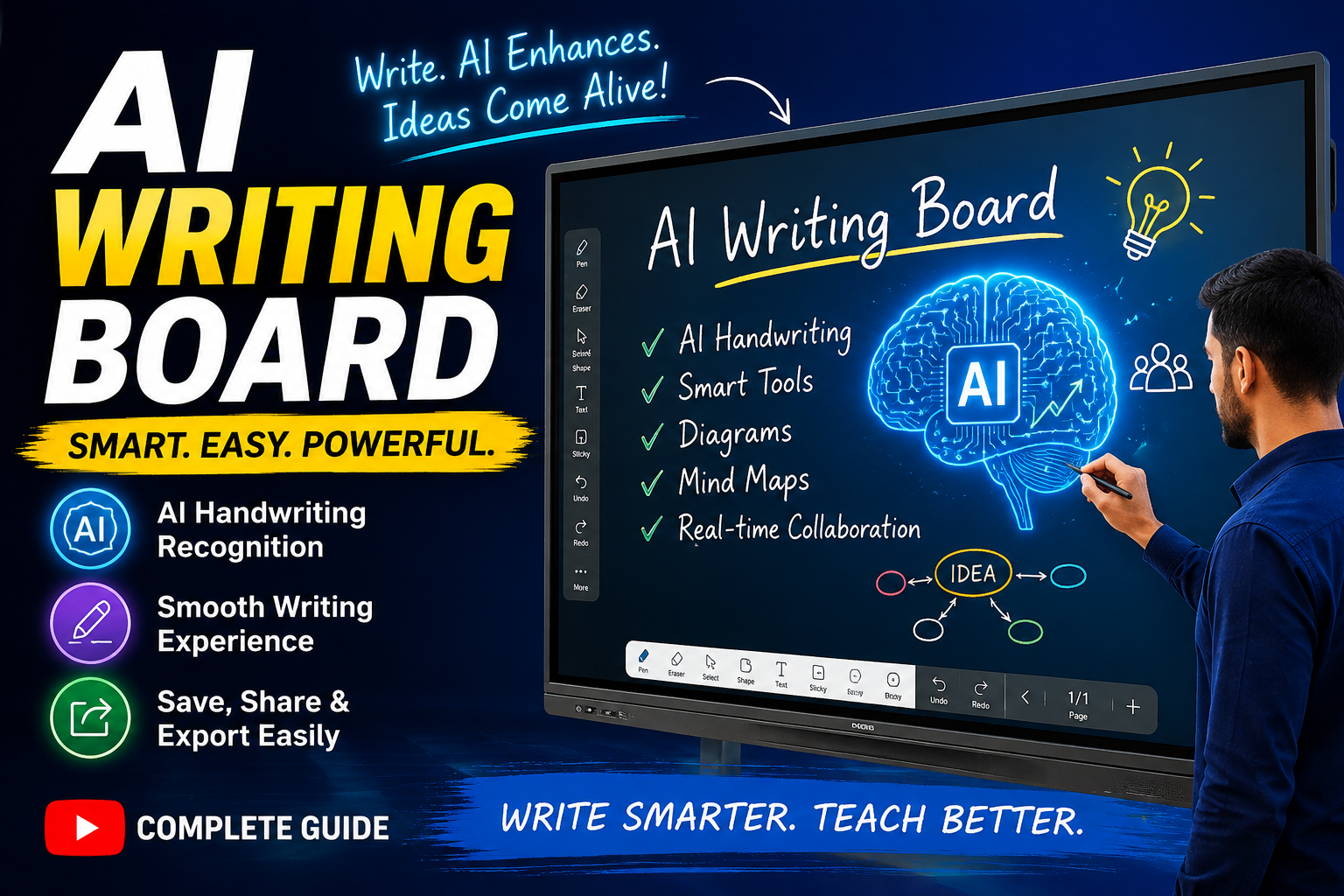
Welcome to the complete AI Writing Board Demo & Tutorial! In this tutorial, we will guide you through the features and functionality of our AI-powered Writing Board and show you how to make your teaching, presentations, brainstorming sessions, and collaboration smarter and more interactive. What You Will Learn AI Handwriting Recognition Smooth & Natural Writing Experience Smart Drawing and Writing Tools AI-Powered Diagram Creation Mind Maps and Idea Visualization Real-Time Collaboration Save, Share & Export Your Work Tips for Better and Faster Usage Whether you are a teacher, trainer, presenter, student, or professional, this tutorial will help you understand how to get the most out of the AI Writing Board.
Watch Video